Navigate by who you are, not by what's in the warehouse
The key decision was to organize the site around three buyer profiles. Each one gets its own page, language and path to a quote, while the store and the catalog stay shared.
- Technical solutions
- Project quote form
- Project gallery
- Most-searched products
- Go to store
- Success stories
- Project quote form
- Project gallery
- Most-searched products
- Go to store
- Personal advice
- Inspiration gallery
- Most-searched products
- Go to store
20+ menu items
8 clear sections
- Inicio
- Nosotros
- Proyectos industriales
- Iluminación empresarial
- Hogar y estilo
- Tienda
- Blog
- Iniciar sesión
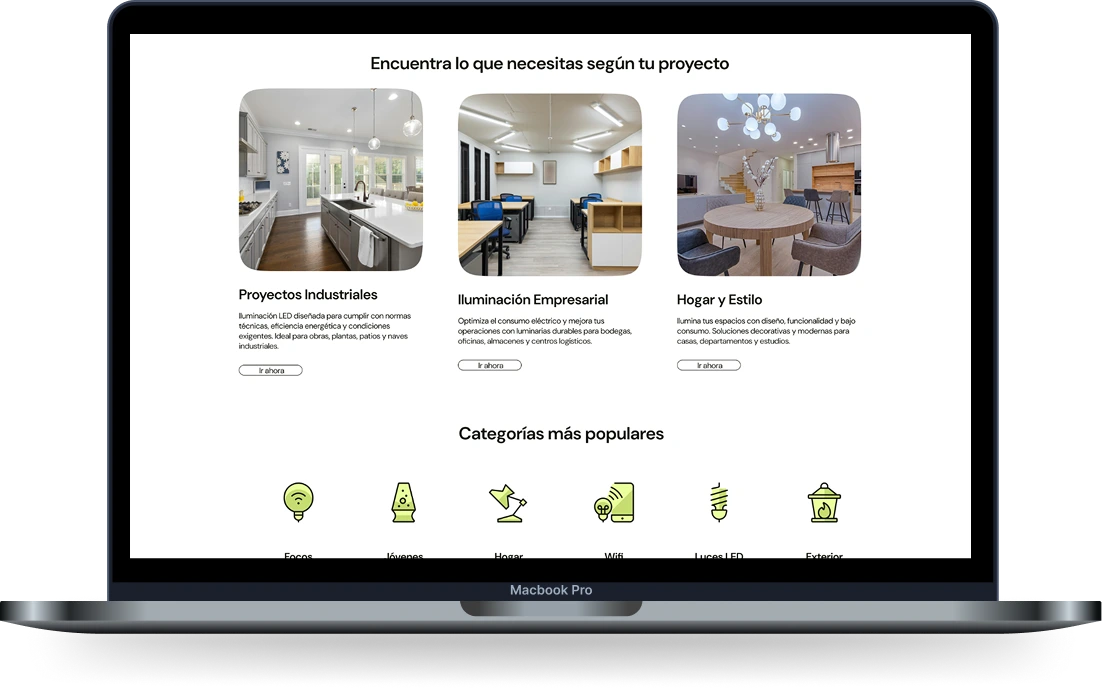
Three buyers, three doors, one catalog.
- Smart store filters to find products that share specs.
- A blog fed by social topics: tips and opinions buyers already ask about.
- Newsletter aligned with the Mailchimp engagement strategy.
One message, two actions
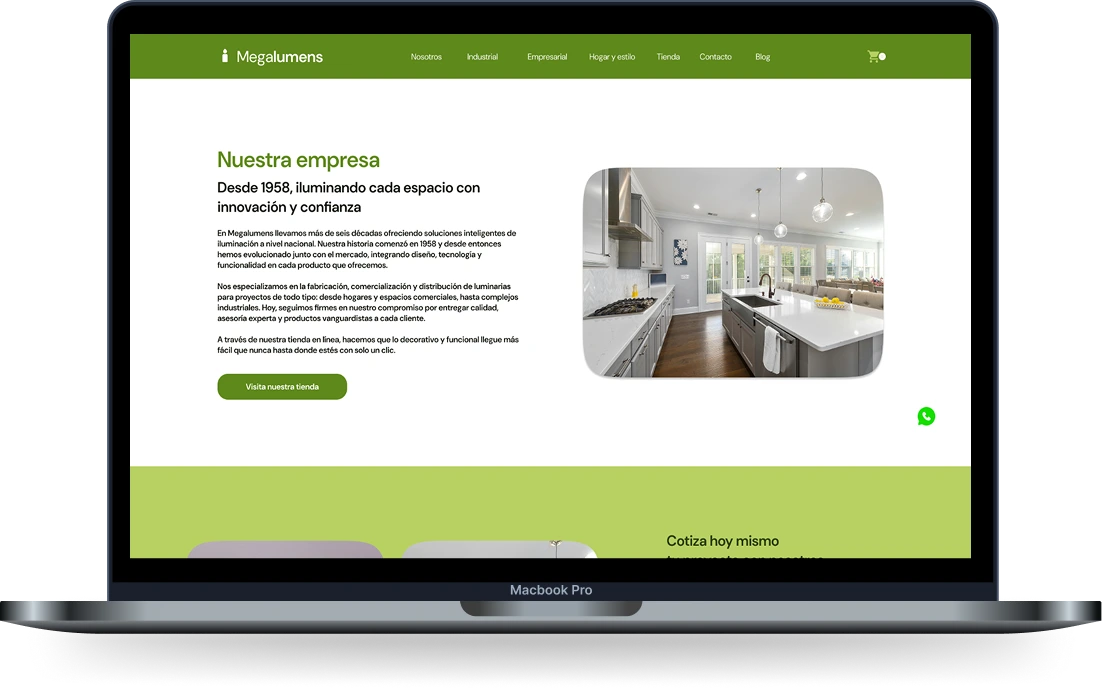
The new home answers “what does Megalumens sell?” in its first screen, then guides each buyer to a profile, a category or the store. Every section ends in one of two actions: quote a project or visit the store.
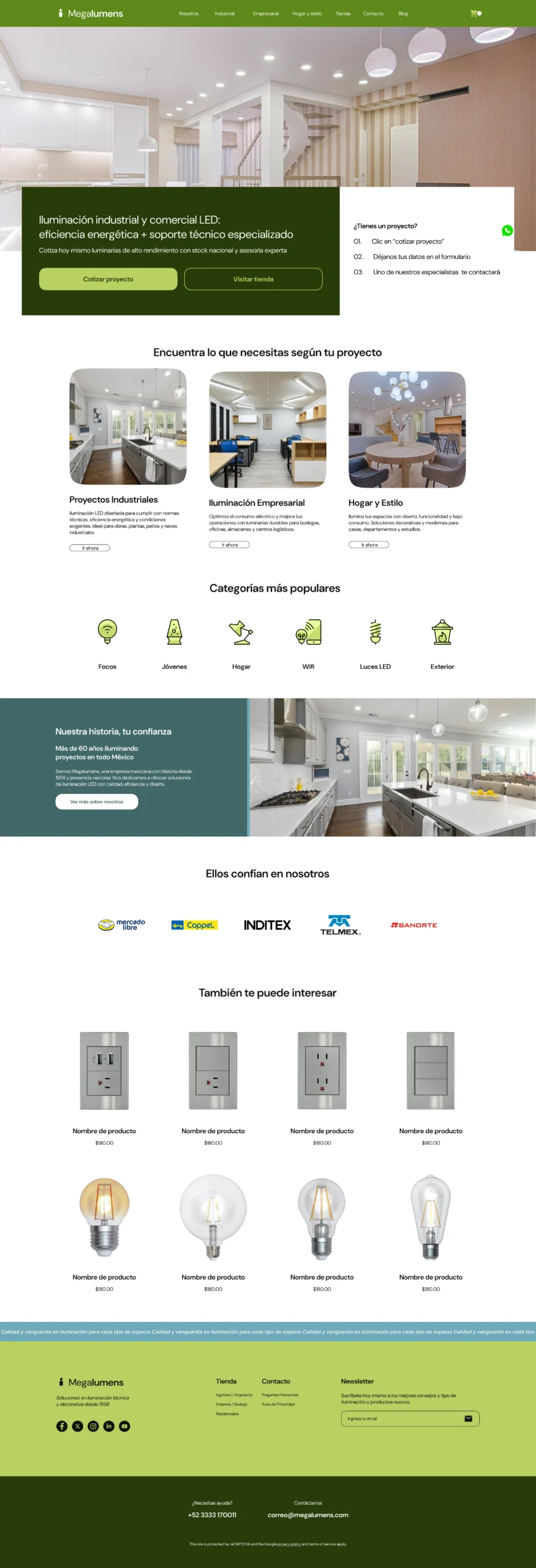
Hover, scroll or tap the preview to explore it at your own pace.
Quote it or buy it: every screen answers one of the two.
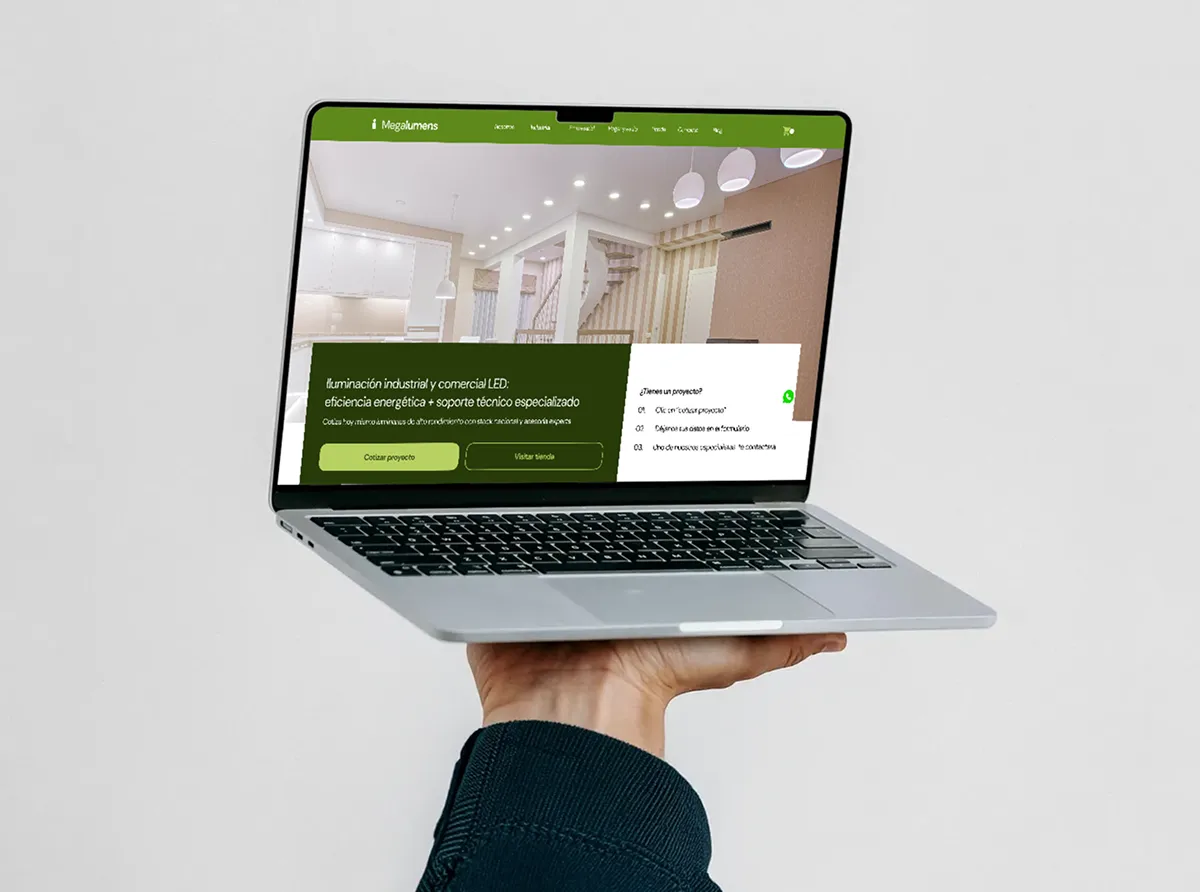
Put in people's hands before a line of code
I tested the interactive prototype in an unmoderated Maze study with 10 participants: a five-second test, free exploration of the site and short opinion questions.
5-second test · “What does Megalumens sell?”
7/ 9
answered lighting after seeing the home for five seconds.
1 answered “interior design”, 1 gave no valid answer.
“Is it easy to use?” · 1–5
4.3/ 5
“Is the information clear?”
7/ 7
“Would you trust this brand?”
7/ 7
Free exploration · 7 responses
74.9s average
Participants moved freely across all eight sections: home, about, the three profiles, store, blog and contact.
What participants asked for → next iteration
“Information about the company, and where it's located.”
Next: bring the 1958 story and the Guadalajara location into the main path, not only the About page.
“Relevant product details, like when it's better to install one or the other, examples of use, advantages.”
Next: usage guidance and comparisons on product pages, in each profile's language.
“Just hovering over the contact tab sends you there. I didn't like that it went without a click.”
Next: navigation that only acts on click or tap, never on hover.
Quotes translated from Spanish. Results come from my own Maze test, not from client analytics.
No handoff in between: I took the validated design into WordPress and WooCommerce myself, so the decisions tested in the prototype didn't get lost in a handoff.
- FigmaDesign system & prototype
- MazeValidation with users
- WordPressProfile pages & quote forms
- WooCommerceCatalog & online store
Less noise, clearer paths
Without post-launch analytics to share, the impact is shown as the friction the new site removes, compared with the previous one.
- Navigation
20+ menu items, some pointing nowhere
8 sections, three of them by buyer profile
- Homepage
Supplier catalogs and promos competing for attention
One message and two actions: quote or shop
- Buying
A store on a separate domain, no quote path
Store in the main menu and a 3-step quote form
- Contact
Email and phone at the bottom of the page
WhatsApp always at hand and quote forms per profile
- Language
Technical terms without context
Plain names and icon categories for every buyer
- 01Clear beats complete.
The old site showed everything. The new one translates technical lighting into each buyer's language, and that is what made it feel easy.
- 02Test the interactions, not only the layout.
A menu that opened on hover frustrated a participant. Micro-interactions shape trust as much as visual design.
- 03Heritage is a conversion asset.
Participants asked who the company is and where it is. A story since 1958 belongs in the buying path, not hidden in a video.
A company founded in 1958 didn't need to look new. It needed to be easy to understand.